Logitech officially ceased manufacturing Harmony universal remotes in April 2021, but existing devices continue to function, and Logitech maintains support for the Harmony database and MyHarmony app. For current owners, remotes compatible with the MyHarmony app will still receive software updates and customer support, while first-generation models using older software will lose reprogramming capabilities after May 28, 2025. Top alternatives for new buyers include the Sofabaton X1S, Sofabaton U2, Broadlink RM4 Pro, and Amazon Fire TV Cube, which offer similar activity-based control and smart home integration.
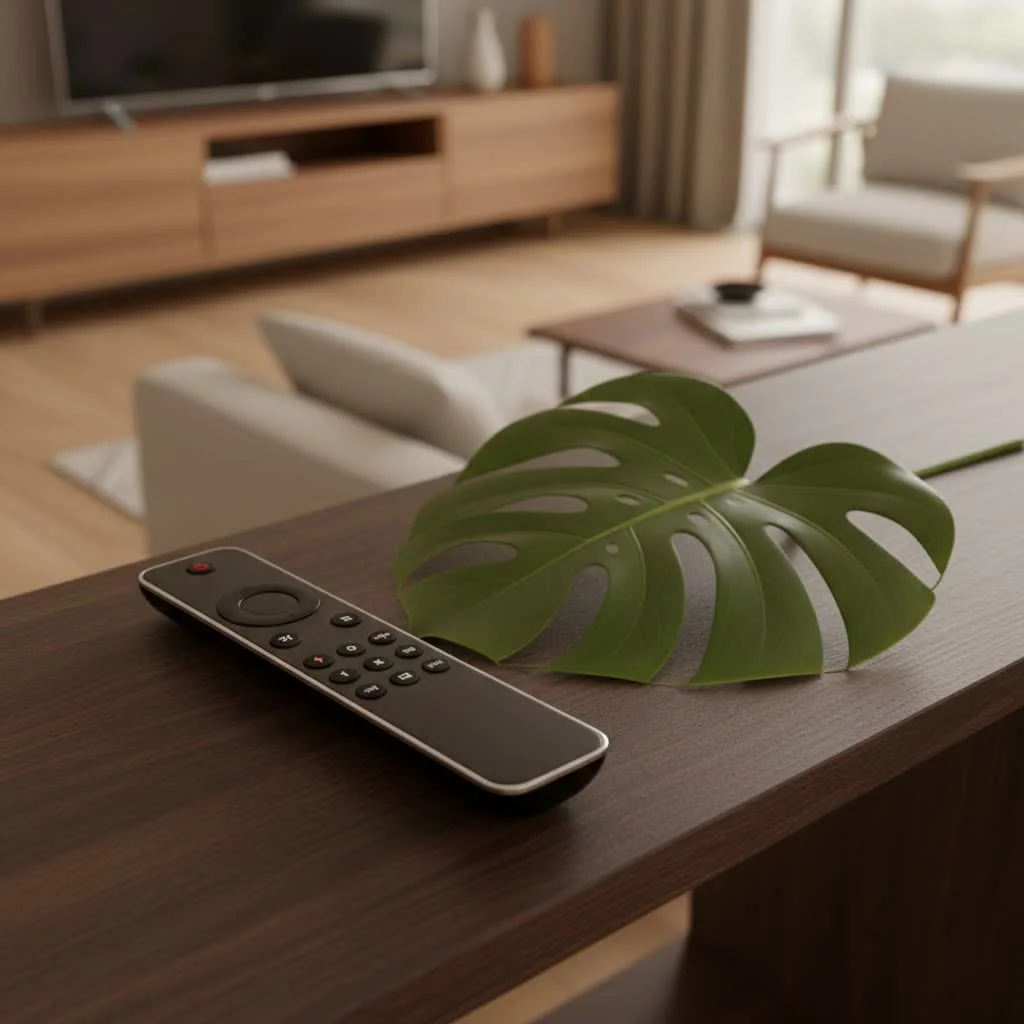
A Pioneer in Home Entertainment: What Made Logitech Harmony Remotes Stand Out?
The success of Logitech Harmony wasn’t just about combining buttons; it was about rethinking how we interact with our entertainment. These remotes redefined convenience, transforming complex setups into effortless “activities” with a single press. For shop curated universal remote on this site.
Seamless “Activity-Based” Control
Imagine pressing one button labeled “Watch Movie,” and your TV turns on, your AV receiver switches to the correct input, your Blu-ray player powers up, and your smart lights dim to the perfect cinematic glow. This “activity-based” control was a major upgrade, eliminating the frustrating dance of multiple remotes and input switching. Harmony remotes didn’t just control devices; they orchestrated experiences. This intuitive approach made advanced home theater systems accessible to everyone, not just tech enthusiasts.
Unrivaled Device Compatibility
One of Harmony’s greatest strengths was its colossal database of devices. From obscure VCRs to the latest 4K TVs and streaming boxes, Logitech Harmony remotes boasted compatibility with hundreds of thousands of devices across countless brands. This extensive support meant that, regardless of your home entertainment ecosystem, a Harmony remote could likely bring everything under one roof. The continuous updates to this database were a cornerstone of its reliability and longevity.
Smart Home Integration Capabilities
As homes grew smarter, so did Harmony. Later models, particularly those featuring the Harmony Hub, extended control beyond traditional AV equipment to smart home devices. Users could integrate their lighting, thermostats, and other smart gadgets, allowing for unified control through the remote or the Harmony app. This foresight positioned Logitech Harmony as more than just a remote; it became a central command center for the modern connected home, even offering voice control through integrations with Amazon Alexa and Google Home.
ing the Icons: Notable Logitech Harmony Models
Over the years, Logitech produced a range of Harmony universal remotes, each catering to different needs and budgets. While new models are no longer manufactured, these classics continue to serve many households.
The Flagship: Harmony Elite and Its Hub Ecosystem
|
Our Picks for the Best Universal Remote in 2026
As an Amazon Associate I earn from qualifying purchases.
|
||
| Num | Product | Action |
|---|---|---|
| 1 | Remote, Universal XRT140R for Vizio TV |

|
| 2 | BroadLink RM4 pro IR and RF Universal Remote, All in One Hub Code Learning Wi-Fi Remote Control for TV Air Conditioner STB Audio, Curtain Motor, Works with Alexa, Google Home, IFTTT |
|
| 3 | Universal-TV-Remote-Control for Samsung, LG, Hisense, TCL, Sony, Vizio, Onn, Toshiba, Philips and More DVD, Blu ray Player, Soundbar Devices |
|
| 4 | TV Remote, XRT140R |
|
| 5 | (Pack of 3) Replacement Remote Only for Roku TV with Soft Silicone Protective Cover (Glow in The Dark), Universal Remote for TCL/Onn/Hisense/Sharp/Element/Philips Roku Smart TV (Elegant White) |
|
| 6 | Universal-TV-Remote-Control Compatible with Samsung/LG/Vizio/Hisense/Sony/Philips/Onn/Sharp/RCA/Element/Westinghouse/Sanyo/Emerson TV and More Brand Smart TVs |
|
| 7 | 【Pack of 2】 New Universal Remote for All Samsung TV Remote, Replacement Compatible for All Samsung Smart TV, LED, LCD, HDTV, 3D, Series TV |
|
| 8 | SofaBaton X1S Universal Remote with Hub and App, All in One Smart Universal Remote Control with Customize Activities, Control Up to 60 IR/Bluetooth/WiFi Devices |
|
| 9 | Universal-TV-Remote-Control for Samsung/LG/Vizio/TCL/Hisense/Sony/Philips/Roku Smart TVs, for Insignia/Toshiba Smart TVs |
|
| 10 | GE Rechargeable TV Remote Control, Universal Remote Control, Backlit Buttons, Samsung TV Remote Control Replacement for Smart TVs, Apple TV, Sony, Roku Replacement Remote, LG TV, 4-Device, 80984 |
|
The Harmony Elite was often considered the pinnacle of Logitech’s universal remote offerings. Bundled with the Harmony Hub, it provided a sophisticated touchscreen interface, dedicated smart home buttons, and the ability to control devices hidden away in cabinets using IR blasters. The hub was the brain, communicating with devices via IR, Bluetooth, and Wi-Fi, offering unparalleled flexibility and power.
Simplicity and Power: Harmony Companion
For those who preferred tactile buttons over a touchscreen but still desired smart control, the Harmony Companion was an excellent choice. It also paired with the Harmony Hub, offering much of the Elite’s underlying power and smart home integration in a more traditional remote form factor. This made it a favorite for many users seeking a balance of functionality and ease of use.
The Everyday Champion: Harmony 650/700 Series
These models represented the mid-range workhorses of the Harmony lineup. Featuring a color LCD display and one-click activity buttons, the Harmony 650 and 700 series were popular for their robust performance and ability to control a significant number of devices (typically up to 5 or 6). They offered a significant upgrade over basic universal remotes without the premium price tag of the hub-based systems.
For Current Logitech Harmony Owners: Sustaining Your Setup
If you’re among the many satisfied owners of a Logitech Harmony universal remote, you might be wondering about the future of your device. Here’s what you need to know about ongoing support and how to keep your remote running smoothly.
Understanding Current Support: What’s Still Active?
Logitech has officially ceased manufacturing new Harmony remotes since April 2021. However, the company has committed to continuing service and support for existing Harmony customers. This means:
- Database and Software Maintenance: Logitech plans to continue maintaining the Harmony database, ensuring that existing remotes can still control a vast array of devices. Updates to the Harmony desktop software (MyHarmony) and mobile apps for Android/iOS are also planned.
- Warranty and Customer Support: Customer service and warranty support continue to be offered.
Important Caveat for Older Models: As of May 28, 2025, Logitech has discontinued support for its first-generation Harmony remotes that relied on the older “Harmony Remote Software.” While these remotes will continue to function with their current settings, users will no longer be able to reprogram them, add new devices, or modify existing configurations. If your remote uses the MyHarmony app, it should continue to receive support.
Tips for Maximizing Your Harmony Remote’s Lifespan
Given the discontinuation of new models, preserving your existing Logitech universal remote is key.
- Handle with Care: Protect your remote from drops and spills. Consider a protective case if available.
- Battery Management: For models with rechargeable batteries, follow charging best practices. For AA/AAA models, use quality batteries and replace them regularly.
- Regular Syncing (for supported models): Periodically sync your remote with the MyHarmony software or app to ensure your configurations are backed up and up-to-date.
- Keep Your Original Remotes: While Harmony simplifies things, retaining your original device remotes can be a lifesaver for troubleshooting or in case your Harmony remote eventually fails.
How to Program and Update Your Logitech Harmony Remote
For remotes compatible with the MyHarmony app, the programming process remains largely the same.
- Download Software/App: Navigate to setup.myharmony.com on your computer or download the Harmony mobile app.
- Connect Your Remote/Hub: Depending on your model, connect your Harmony remote directly via USB to your computer or ensure your Harmony Hub is powered on and connected to your Wi-Fi network.
- Create Account/Log In: If you’re a new user (for supported models), create a Harmony account. Existing users should log in.
- Add Devices: Follow the on-screen prompts to add your entertainment and smart home devices. You’ll typically enter the manufacturer and model number. The system will automatically detect many Wi-Fi devices.
- Create Activities: Define “activities” like “Watch TV” or “Listen to Music” by selecting the devices involved and their desired power states and inputs.
- Sync: Once configured, sync the settings to your remote or hub.
“The magic of Harmony wasn’t just in consolidating remotes; it was in creating an intuitive ballet of devices, transforming complex living room setups into simple, one-touch experiences. While its manufacturing era has passed, the principles it championed continue to shape the smart home market.” – Sarah Chen, LTVBC Lead Systems Architect
Navigating the Post-Harmony Landscape: Top Universal Remote Alternatives
The discontinuation of Logitech Harmony has left a void, but the market is adapting with new and innovative solutions. Here are some of the top alternatives we at LTVBC recommend for those seeking a modern universal remote experience.
The Spiritual Successors: Sofabaton X1S and U2
- Sofabaton X1S: Often hailed as a worthy successor, the Sofabaton X1S offers a similar hub-based approach to Harmony, controlling devices via IR, Bluetooth, and Wi-Fi. It boasts impressive device compatibility and customizable “activities” through a user-friendly app, making it a strong contender for replicating the Harmony experience.
- Sofabaton U2: For a more budget-friendly yet capable option, the Sofabaton U2 provides IR and Bluetooth control, making it excellent for consolidating remotes for TVs, soundbars, and streaming devices.
Smart Hub Powerhouses: Broadlink RM4 Pro and Fire TV Cube
- Broadlink RM4 Pro: This device acts as an IR and RF blaster, turning your smartphone into a universal remote. It’s highly customizable via its mobile app and offers robust smart home integration, including voice control with Alexa and Google Assistant, making it ideal for tech-savvy users.
- Fire TV Cube: More than just a streaming device, the Amazon Fire TV Cube incorporates an IR blaster, allowing it to control your TV, soundbar, and other entertainment devices using voice commands or its included remote. It’s a great option if you’re already invested in the Amazon ecosystem and prioritize voice control.
Other Contenders for Specialized Needs
- Inteset 4-in-1: A straightforward, affordable IR-only universal remote that’s excellent for controlling up to four essential devices without complex setup.
- Function101 Remote for Apple TV: Designed specifically for Apple TV users, this remote simplifies control over your TV and sound system alongside your Apple streaming device.
- Custom Professional Systems: For the ultimate in whole-home automation and complex setups, brands like Control4 or Crestron offer high-end, professionally installed systems. While significantly more expensive, they provide unparalleled integration.
Choosing Your Next Universal Remote: Key Considerations
Selecting the right universal remote in a post-Logitech Harmony world requires careful thought. Here’s what to consider:
Device Compatibility and Control Methods (IR, RF, Bluetooth, Wi-Fi)
First, list all the devices you want to control. Do you need line-of-sight IR control for your TV and soundbar? Or do you have hidden components requiring RF or Bluetooth? Some devices also respond to Wi-Fi commands, especially smart TVs and streaming boxes. Ensure your chosen remote supports all the necessary control protocols for your specific equipment. The Sofabaton X1S, for instance, offers a wide range of protocols.
Ease of Setup and User Experience
Consider your comfort level with technology. Are you willing to dive into a detailed app for extensive customization, or do you prefer a simpler, more out-of-the-box experience? Remotes with intuitive smartphone apps or web-based setup tend to offer more flexibility but might have a steeper initial learning curve. Look for solutions that provide clear instructions and a supportive community.
Smart Home Integration
If you have smart lights, thermostats, or other IoT devices, evaluate how well the universal remote integrates with them. Many modern alternatives, like the Broadlink RM4 Pro and Fire TV Cube, offer voice control and scene creation capabilities through smart assistants, allowing for a truly unified smart home and entertainment experience.
Frequently Asked Questions (FAQ)
Are Logitech Harmony universal remotes still being manufactured?
No, Logitech officially discontinued manufacturing Harmony remotes in April 2021. Existing inventory was sold through retailers until supplies ran out.
Can I still use my existing Logitech Harmony remote?
Yes, if you currently own a Logitech Harmony remote, it will continue to function with its existing programming. Logitech has committed to maintaining the Harmony database and supporting remotes compatible with the MyHarmony app.
What happens if I own an older Logitech Harmony remote that uses the “Harmony Remote Software”?
As of May 28, 2025, support for these first-generation remotes has been discontinued. They will continue to work with their last configured settings, but you will no longer be able to reprogram them, add new devices, or make configuration changes.
What are the best alternatives to Logitech Harmony remotes?
Top alternatives include the Sofabaton X1S and U2 (for a similar hub-based experience), Broadlink RM4 Pro (for app-centric control and smart home integration), and the Amazon Fire TV Cube (for voice control).
How do I program a Logitech Harmony remote today?
For supported models, you can program your Logitech Harmony remote using the MyHarmony desktop software or the Harmony mobile app. This involves connecting your remote/hub, adding your devices by manufacturer and model number, creating “activities,” and then syncing the settings.
Embracing the Future of Unified Control
The departure of Logitech Harmony from the manufacturing scene marked the end of an era, but not the end of unified home entertainment control. While we fondly the innovation and convenience these universal remotes brought, the market continues to evolve, offering robust alternatives and new paradigms for managing our increasingly complex living rooms. Whether you’re a long-time Harmony user looking to transition or a newcomer seeking to simplify your setup, understanding your options is the first step. At LTVBC.com, we remain dedicated to guiding you through this evolving landscape, helping you find the perfect solution to confidently command your entertainment world and optimize your smart home experience.
Get our weekly buyer guide
Practical specs, not advice. Unsubscribe anytime.
I’ve had my Harmony Elite for years, and I was so worried when I heard they stopped making them. It’s a relief to know that Logitech is still maintaining the database and the MyHarmony app. My remote still works perfectly, and I can still update it. It really makes managing my home theater setup so much easier.
I’m a bit disappointed that my older Harmony remote, one of the first-generation models, will lose reprogramming capabilities after May 28, 2025. It’s been a reliable remote for a long time, but I guess I’ll have to look into alternatives soon. I was hoping it would last a bit longer.
I was looking for a good alternative to Harmony since I’m setting up a new system. The Sofabaton X1S sounds like a really promising option, especially with its activity-based control. I’m definitely going to check that one out. It’s good to know there are still solid universal remote options out there.
My Harmony remote truly redefined convenience for me. Before I got it, my living room was a mess of remotes for the TV, soundbar, and streaming box. Now, it’s just one device, and it handles everything seamlessly. I’m glad to hear they’re still supporting the existing devices.