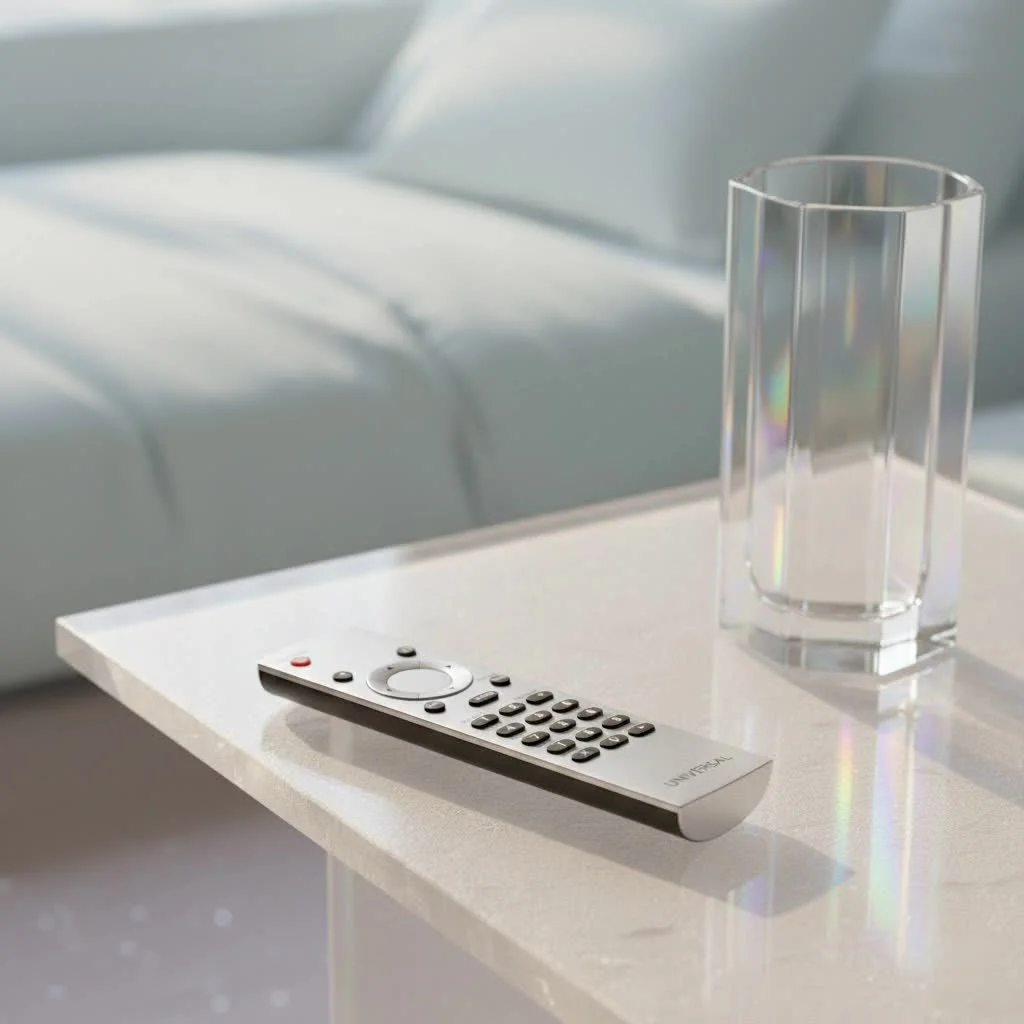
A Magnavox universal remote control simplifies your home entertainment by consolidating control of multiple devices into one unit. These remotes, such as the Magnavox MC345 (for up to four devices) or MC348 (for up to eight devices), are pre-programmed with extensive infrared codes for Magnavox products and many other brands. This guide from LTVBC, with over a decade of experience in universal remote technology, details how to choose, program, and troubleshoot your Magnavox universal remote for seamless control.
Understanding Your Magnavox Universal Remote Control
A Magnavox universal remote control acts as a central command unit, replacing individual remotes for devices like your Magnavox TV, DVD player, and sound system. This consolidation allows you to manage all your entertainment components from a single, intuitive device. For shop curated universal remote on this site.
What makes a Magnavox Universal Remote unique?
Magnavox, a well-established electronics brand, offers its own universal remotes like the MC345 and MC348. These are specifically engineered for seamless communication with Magnavox products but also support other brands. They utilize specific infrared signals, with Magnavox remotes pre-loaded with a comprehensive database of these codes.
Different types of universal remotes compatible with Magnavox
Beyond Magnavox-branded remotes, many third-party universal remotes from brands such as Philips, GE, and One For All are compatible with Magnavox devices. These remotes are designed to work with a wide array of home theater components, including Magnavox TVs and DVD players, by storing and transmitting the correct infrared codes. Some advanced models even feature learning capabilities, allowing them to replicate commands directly from your original remotes.
Finding the Right Magnavox Universal Remote Control
Selecting the ideal Magnavox universal remote control involves evaluating your existing device setup and personal preferences to enhance your overall entertainment experience.
Compatibility considerations: TVs, DVD players, soundbars
Before purchasing, identify all the devices you intend to control. Consider if you need it primarily for a Magnavox TV and DVD player, or if you also have a soundbar, streaming box, or VCR. Most universal remotes specify the number of devices they can manage (e.g., 3-device, 4-device, 8-device). Ensure your chosen remote supports all your gadgets. Magnavox universal remotes typically offer broad compatibility with their own brand and many others.
Features to look for: backlighting, macro functions, learning capabilities
Modern universal remotes offer several features that enhance convenience:
- Backlighting: Provides visibility in low-light conditions, preventing fumbling in the dark.
- Macro Functions: Allows a single button press to execute a sequence of commands, such as powering on multiple devices, switching inputs, and starting a movie.
- Learning Capabilities: Enables the remote to “learn” commands directly from an original remote, useful for less common devices or specific functions not in standard code lists.
- Ergonomics: The remote’s physical design, including button spacing and responsiveness, significantly impacts user comfort.
“A truly great universal remote isn’t just about controlling everything; it’s about making that control feel effortless and intuitive,” states Sarah Chen, Lead Remote Systems Architect at LTVBC. “Prioritize features that genuinely streamline your daily interactions.”
Programming Your Magnavox Universal Remote Control: A Step-by-Step Guide
Programming your Magnavox universal remote control is straightforward, typically involving three methods: direct code entry, auto code search, and manual code search.
Programming by code entry
|
Our Picks for the Best Universal Remote in 2026
As an Amazon Associate I earn from qualifying purchases.
|
||
| Num | Product | Action |
|---|---|---|
| 1 | (Pack of 3) Replacement Remote Only for Roku TV with Soft Silicone Protective Cover (Glow in The Dark), Universal Remote for TCL/Onn/Hisense/Sharp/Element/Philips Roku Smart TV (Elegant White) |

|
| 2 | 【Pack of 2】 New Universal Remote for All Samsung TV Remote, Replacement Compatible for All Samsung Smart TV, LED, LCD, HDTV, 3D, Series TV |
|
| 3 | GE Rechargeable TV Remote Control, Universal Remote Control, Backlit Buttons, Samsung TV Remote Control Replacement for Smart TVs, Apple TV, Sony, Roku Replacement Remote, LG TV, 4-Device, 80984 |
|
| 4 | Universal-TV-Remote-Control for Samsung/LG/Vizio/TCL/Hisense/Sony/Philips/Roku Smart TVs, for Insignia/Toshiba Smart TVs |
|
| 5 | Remote, Universal XRT140R for Vizio TV |
|
| 6 | SofaBaton X1S Universal Remote with Hub and App, All in One Smart Universal Remote Control with Customize Activities, Control Up to 60 IR/Bluetooth/WiFi Devices |
|
| 7 | Universal-TV-Remote-Control Compatible with Samsung/LG/Vizio/Hisense/Sony/Philips/Onn/Sharp/RCA/Element/Westinghouse/Sanyo/Emerson TV and More Brand Smart TVs |
|
| 8 | TV Remote, XRT140R |
|
| 9 | BroadLink RM4 pro IR and RF Universal Remote, All in One Hub Code Learning Wi-Fi Remote Control for TV Air Conditioner STB Audio, Curtain Motor, Works with Alexa, Google Home, IFTTT |
|
| 10 | Universal-TV-Remote-Control for Samsung, LG, Hisense, TCL, Sony, Vizio, Onn, Toshiba, Philips and More DVD, Blu ray Player, Soundbar Devices |
|
This method is generally the most reliable if you have the specific 4-digit or 5-digit codes for your devices.
- Turn on your device: Power on the device you wish to program (e.g., your Magnavox TV).
- Access programming mode: Press and hold the “Code Search” or “Setup” button on your universal remote until its LED indicator light remains illuminated.
- Select device type: Press the corresponding device button (e.g., “TV,” “DVD,” “AUX”). The LED may blink once.
- Enter the code: Use the number pad to input the specific 4-digit or 5-digit code for your device and brand. These codes are typically found in your remote’s manual or online code lists.
- Confirm: If the code is correct, the LED light will usually turn off or blink once to confirm. If it blinks multiple times or stays on, the code might be incorrect, requiring you to try another.
- Test: Point the remote at your device and test basic functions like power, volume, and channel change. If successful, the programming is complete. If not, repeat the process with the next code in your list.
Auto code search programming
For situations where codes are unavailable or a hands-off approach is preferred, auto code search is an effective alternative.
- Turn on your device: Ensure the device you want to control is powered on.
- Activate auto search: Press and hold the “Code Search” or “Setup” button until the LED light stays on.
- Select device type: Press the device button you wish to program (e.g., “TV”).
- Initiate scan: Point the remote at your device and slowly and repeatedly press the “Power” button, or press the “Channel Up” button. The remote will cycle through its internal code database.
- Watch for shutdown: Immediately press the “Enter” or “OK” button as soon as your device turns off to lock in the code. You typically have about 4 seconds to do this.
- Test: Power your device back on and test all functions. If any function is not working, you may have inadvertently passed the correct code during the scan, so repeat the process.
Brand code search programming
This method is similar to auto code search but focuses the search on a specific brand.
- Turn on your device: Power on the target device.
- Enter programming mode: Press and hold the “Code Search” or “Setup” button until the LED light illuminates.
- Select device and brand: Press the device button (e.g., “TV”), then immediately press and hold the “Power” button. Keep it held down.
- Release when off: Release the “Power” button as soon as your device turns off.
- Test: Verify that all functions work correctly.
Common Magnavox remote codes
While specific codes vary by universal remote model (e.g., MC345, MC348, or third-party), here are some frequently used 4-digit codes for Magnavox TVs:
- 0040
- 0044
- 0058
- 0086
- 0091
- 0110
- 0115
- 0116
- 0123
- 0126
(Always consult your remote’s manual or the manufacturer’s website for the most accurate and comprehensive list of codes for your specific device model.)
Troubleshooting Common Issues with Your Magnavox Universal Remote Control
Even experienced users may encounter issues. Here are common problems and their solutions for your Magnavox universal remote control.
Remote not responding
- Check batteries: The most frequent cause is dead or weak batteries. Replace them with fresh ones.
- Line of sight: Universal remotes use infrared (IR) signals, which require an unobstructed path to the device’s sensor. Ensure no objects block the remote’s signal.
- Distance: While IR remotes work across a room, excessive distance (over 15 feet) or extreme angles can impede functionality.
- Reprogram: If the remote suddenly stops working, try reprogramming it, as settings can sometimes be lost or corrupted.
Codes not working
- Try alternative codes: Most brands have multiple compatible codes. If the initial code fails, systematically try every code listed for your device’s brand.
- Use auto code search: If direct code entry with all listed codes is unsuccessful, switch to the auto code search method.
- Manual code search: This method is particularly useful if the auto-search process passes the correct code too quickly.
- Verify remote model: Magnavox remotes like the MC345 and MC348 use different code sets. Confirm your remote model to ensure you are using the correct code list.
Battery issues and replacement
Always use high-quality AAA or AA batteries as specified in your remote’s manual. Rapid battery drain is rare but could indicate an internal issue. Ensure the battery compartment is clean and free of corrosion. Fresh batteries can sometimes improve signal strength, aiding in programming.
Top Magnavox Universal Remote Control Models and Brands
While Magnavox offers its own capable universal remotes, many users choose third-party options for broader compatibility, advanced features, or specific design preferences.
Review of popular universal remotes for Magnavox devices
- Philips Universal Remotes: Often a good choice due to Philips’ close relationship with Magnavox. They are generally easy to program and widely available.
- GE Universal Remotes: Known for their affordability and simplicity, GE remotes are a solid option for basic control of a few devices.
- One For All Remotes: These remotes are highly regarded for their extensive code databases and often include learning features, making them very versatile for complex setups with various brands.
- Magnavox Branded Remotes (MC345, MC348): These are excellent for Magnavox devices and many other common electronics, excelling in direct compatibility and straightforward design.
What users are saying
User feedback frequently emphasizes ease of programming and reliability. Many users prefer the tactile experience of a physical remote over smartphone apps. However, some advanced streaming devices or newer technologies may require more sophisticated universal remotes, or users might combine traditional remotes with smart home apps. The consensus is that a properly programmed universal remote significantly enhances the home entertainment experience.
Conclusion
Mastering your Magnavox universal remote control simplifies your entertainment setup. By understanding remote types, programming methods, and essential features, you can improve your viewing experience from managing multiple remotes to enjoying seamless control with a single device. LTVBC is dedicated to helping you maximize your home theater experience.
Get our weekly buyer guide
Practical specs, not advice. Unsubscribe anytime.
I finally got tired of having three different remotes just for my living room setup. This guide really helped me pick out the Magnavox MC345. It was super easy to program for my Magnavox TV and soundbar, and now everything works off one remote. Seriously, it’s a game changer for decluttering my coffee table.
As someone with a decade of experience in home entertainment, I can say that a good universal remote is essential. The Magnavox universal remote controls are solid, especially for consolidating multiple devices. I picked up the MC348 for a friend’s setup, and it handled their TV, sound system, and streaming box perfectly. No more confusion for them!
The Magnavox universal remote is decent for the price. I got the MC348 because I have a lot of devices, and it did connect to most of them. My only complaint is that it took a few tries to get it to recognize my older Blu-ray player, even with the extensive infrared codes mentioned. It works now, but it wasn’t as instant as I hoped.
I’ve been looking for a good universal remote for a while, and the info here about Magnavox remotes was really helpful. I appreciate how it explained the difference between the models. I ended up getting one, and it’s great to control my TV and DVD player without juggling remotes. Setup was pretty straightforward.